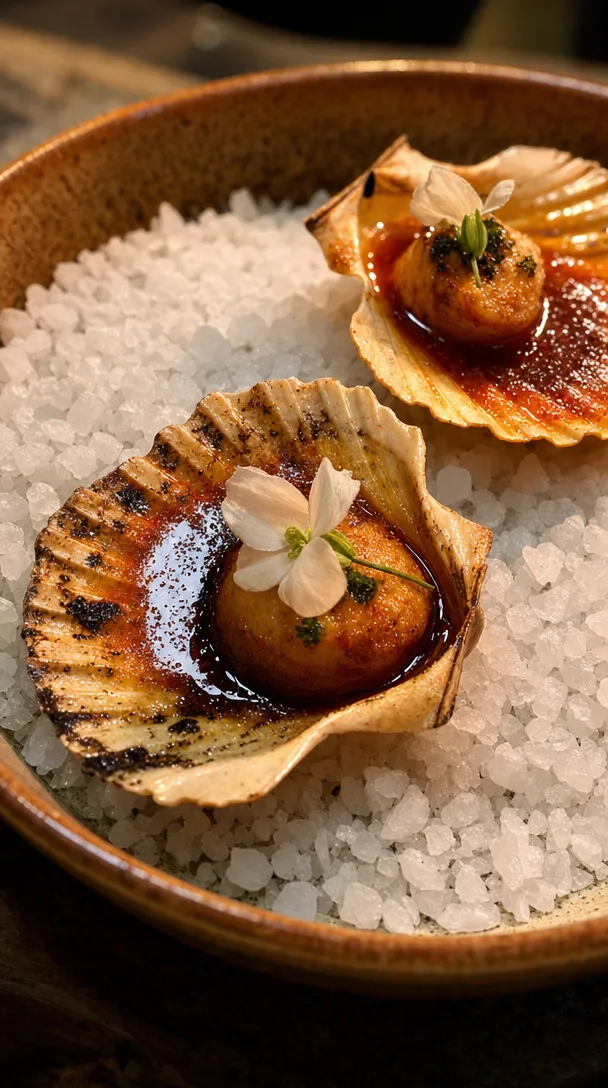
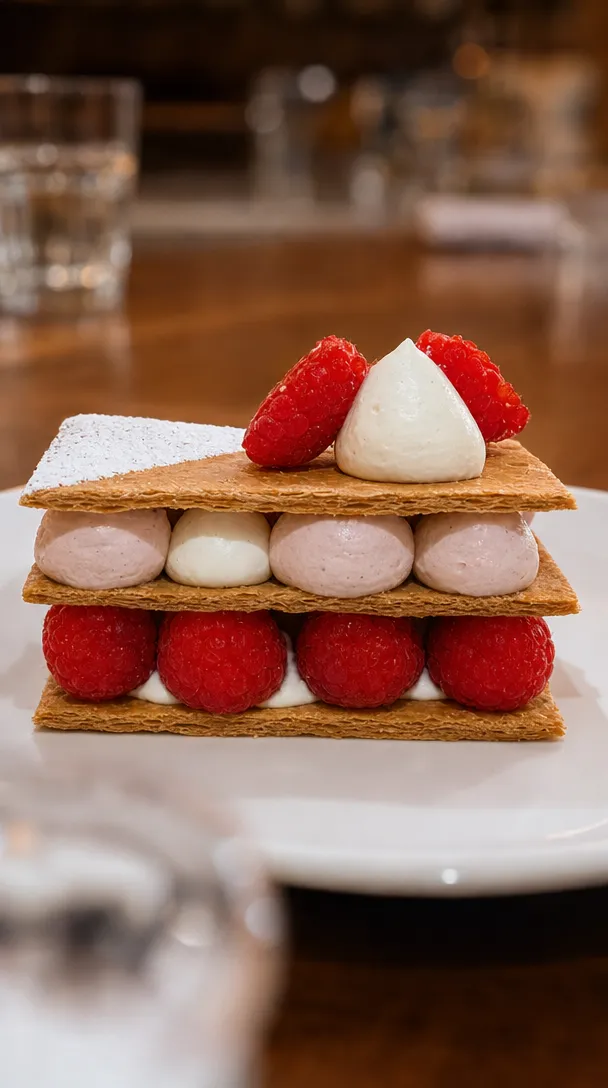
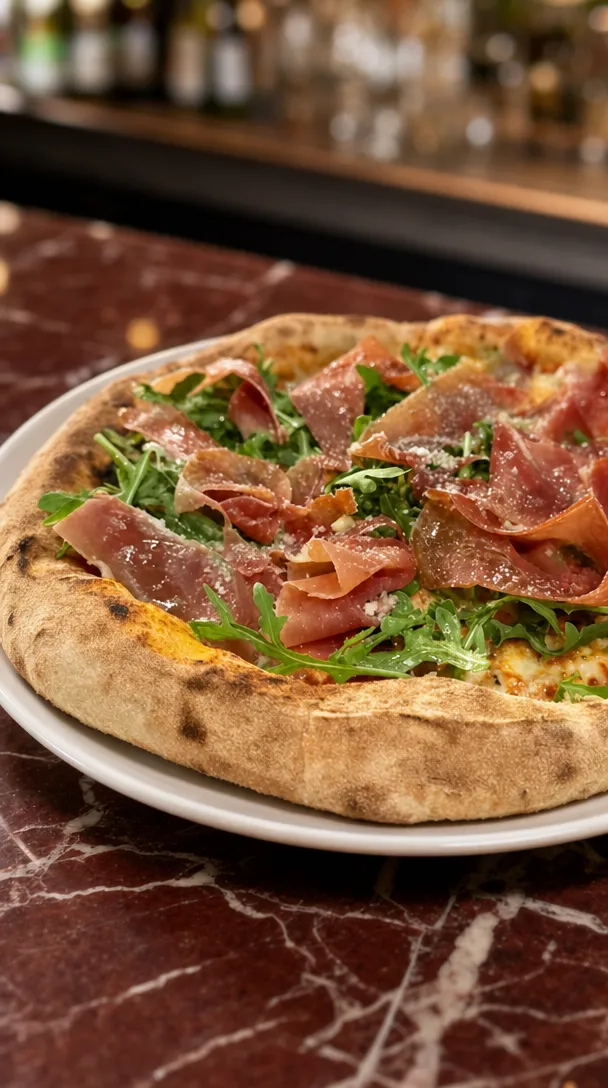
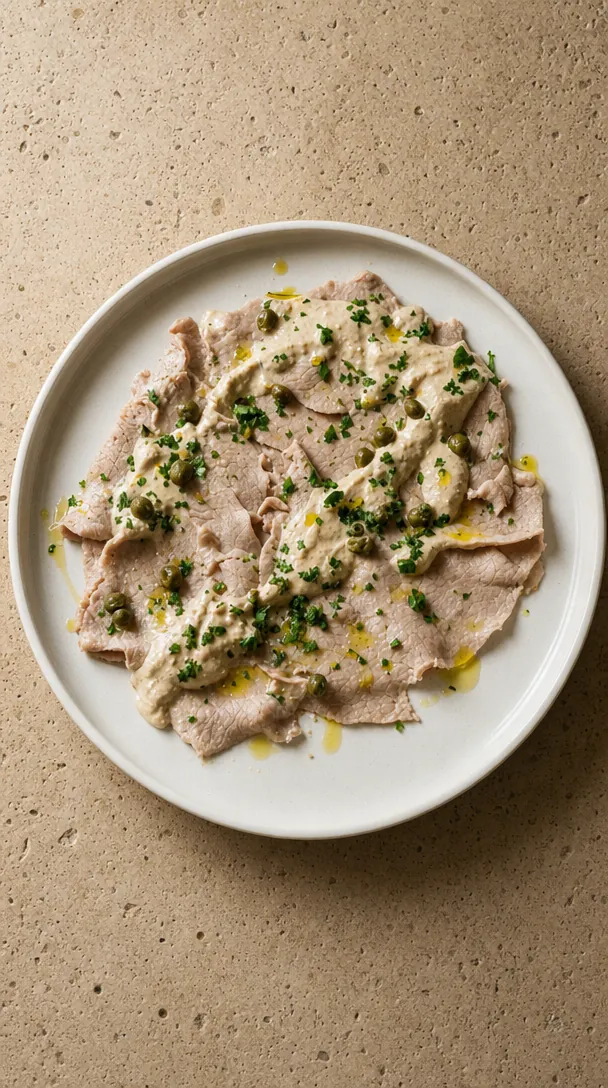
Choose three hero dishes. Build one clear menu story. Start before launch day, give regulars first access, make every booking link lead to the new menu, then use the two weeks after launch to repeat the dishes and messages that create the most interest.
It is four weeks of reasons to visit.
The menu may contain 25 items. The campaign should not.
First, decide what is actually new
“New menu” is too broad to carry a campaign by itself.
Find the angle underneath it:
- A new season
- A new chef or creative direction
- A stronger local-producer focus
- A new price point
- A new set-menu format
- More dishes designed for sharing
- A move into lunch or late-night service
- A return to a dish customers kept requesting
- A significant dietary expansion
One sentence should explain the change.
For example:
A colder-weather menu built around the wood fire, with six new dishes for the middle of the table.
That sentence gives the content team, photographer, floor team and customer the same idea.
Choose three hero dishes
Do not try to make every menu item equally famous on day one.
Choose:
- The visual hero: the dish that stops the scroll.
- The commercial hero: the dish or menu format that supports the business goal.
- The story hero: the dish with the strongest ingredient, producer or chef story.
Sometimes one dish can do two jobs. That is fine.
The point is to give the campaign a small set of recognisable anchors. Those dishes should appear across the launch page, ads, email, organic content, staff recommendations and Google Business Profile.
Days 1 to 7: Build the launch properly
The first week is preparation. Nothing needs to be public yet.
Day 1: Set the commercial objective
Choose the result the menu is meant to support:
- More weekday dinner bookings
- A stronger lunch trade
- A higher average spend
- More set-menu bookings
- A reason for regulars to return
- Private dining enquiries
- A seasonal relaunch
Do not use “awareness” as the only objective. Awareness of what, for whom, and what should they do next?
Day 2: Write the menu story
Prepare:
- A one-sentence launch idea
- A short paragraph for the website and email
- A line for each hero dish
- A staff briefing version
- A press or partner version if needed
Keep the language usable. If the floor team would never say it to a guest, it may be too polished to help.
Day 3: Capture the menu
Build a practical content list:
- Three hero-dish images
- One full-table image
- Three vertical plating clips
- One chef explanation
- One ingredient or producer moment
- One room or service image
- Clean phone photos for fast updates
Capture the real dishes and portions the guest will receive.
Day 4: Build the launch page
The page should contain:
- The menu idea
- The launch date
- The hero dishes
- The full menu or a clear link to it
- Service times
- Dietary information
- One booking button
Do not make the customer hunt through the homepage.
Day 5: Check every public listing
Update the website, booking platform and any menu links that customers rely on. Prepare a Google Business Profile post for launch week. Google allows Business Profiles to publish updates, offers and events with photos, videos and action buttons that can appear on Search and Maps.
Day 6: Brief the team
The floor team needs to know:
- What changed
- The three hero dishes
- What to recommend first
- Dietary changes
- The reason behind the menu
- The campaign or offer guests may mention
Marketing creates the expectation. Service completes it.
Day 7: Test the booking journey
Open every ad, email and social link on a phone. Complete a test booking. Confirm the new service is available and the confirmation email is correct.
Days 8 to 14: Build appetite before launch
This week is not seven versions of “coming soon”.
Reveal useful pieces of the story.
Content sequence
Post one: The change
Winter moves onto the wood fire next Thursday.
Post two: The visual hero
Show the strongest dish with one useful detail.
Post three: The making
A short kitchen clip, ingredient delivery or chef explanation.
Post four: The menu
Show enough detail for a guest to decide whether it is for them.
Post five: First access
Invite regulars and email subscribers to book before the wider launch.
The first email
Keep it simple:
Subject: The new menu, before everyone else
Body:
The winter menu starts next Thursday. Six new wood-fired dishes, a shorter set menu and the return of the lamb shoulder regulars kept asking for.
Bookings are open now for subscribers.
Button: See the menu
In Australia, commercial emails generally require consent, clear sender details and a working unsubscribe option.
Paid campaign setup
Choose the objective that matches the action you need. Meta explains that its ad delivery system uses the campaign objective to look for people more likely to take the selected action.
If the real goal is bookings, do not judge the campaign only on video views or post engagement.
Days 15 to 21: Launch week
Launch week needs repetition with variation.
People will not see every post. Those who do see several should learn something new each time.
Launch-day sequence
- Homepage or campaign page updated
- Booking platform checked
- Main social post live
- Stories showing the kitchen and first service
- Email sent
- Google Business Profile post live
- Paid campaign live
- Floor team briefed again
- Direct messages and comments answered
What to publish during the week
Day 15: Full launch and booking link
Day 16: Hero dish one
Day 17: Chef or ingredient story
Day 18: Hero dish two
Day 19: First guest reactions, only with permission and without inventing quotes
Day 20: Full-table view or set-menu experience
Day 21: Availability update for the following week
Do not describe the menu as “selling out” unless it is true. Real proof is valuable. Manufactured urgency weakens trust.
Days 22 to 28: Turn the launch into a system
The final week is where most venues stop too early.
Now you have real information:
- Which dish receives the most saves and replies?
- Which image drives the most booking-page visits?
- Which service fills first?
- What questions are guests asking?
- Which menu wording creates confusion?
- What does the floor team recommend successfully?
- Which campaign produces completed bookings?
Use that information.
Repeat the winner
If one dish is clearly carrying the campaign, give it more room. Create a second angle, a closer crop, a chef clip or a pairing story.
Do not abandon a useful message because it has already appeared once on your own feed.
Fix the friction
Common launch problems include:
- The new menu is hard to find
- The booking system does not show the promoted service
- The campaign says “from Friday” without a date
- The price is hidden
- Dietary information is missing
- The hero dish is unavailable too often
- The ad and landing page use different language
Fix those before increasing media spend.
Send the second email
The second email should not repeat the announcement word for word.
Use proof or specificity:
Subject: The dish leading the new menu
The wood-fired market fish has been the first-week favourite. This weekend’s fish is coral trout with smoked tomato and saffron broth.
Button: Book the new menu
The launch scorecard
Measure the campaign against the original objective.
Useful numbers include:
- Bookings and covers by service
- Menu-page visits
- Booking-button clicks
- Completed bookings
- Cost per booking
- Email clicks and attributed bookings
- Most-viewed or saved dishes
- Average spend where available
- Repeat bookings from existing customers
- Guest questions and staff feedback
Likes can tell you what caught attention. They cannot confirm that the menu achieved its commercial job.
What not to do
- Do not launch with a blurry PDF and no explanation
- Do not advertise every dish equally
- Do not send traffic to an outdated homepage
- Do not change the campaign message every day
- Do not use stock food images
- Do not hide the price when price is central to the decision
- Do not claim results or popularity you cannot prove
- Do not stop promoting the menu after opening weekend
Score the menu before you launch it
HospoPro can review how the menu reads, sells and connects to the rest of the venue marketing before the campaign goes live.
FAQ
How early should we start promoting a new menu?
Enough time to capture the content, update the booking path and give regulars an early reason to book. The exact timing depends on the scale of the change. A full relaunch needs more preparation than three seasonal additions.
Should every new dish get its own post?
Not during the core launch. Start with the dishes that best explain and sell the menu. Introduce the rest over time.
Do we need a discount to launch it?
No. First access, a chef’s menu, a limited service, a producer story or a genuinely new experience can create a reason to book without reducing price.

We run the photos, posts, ads, email and reporting for hospitality venues across South East Queensland. Everything in this guide comes from doing the work on live venues, not a textbook.