A restaurant website should answer what the venue is, where it is, when it is open, what the food costs, what the room feels like and how to book. It should work quickly on a phone, use real content, provide dedicated pages for high-value occasions, keep important information in readable HTML and track the actions that matter.
The hours are hidden.
The booking button opens the wrong location.
The private room looks good, but nobody says how many people fit.
The site wins a design award.
The diner goes somewhere else.
Use the checklist below before spending more on ads, SEO or content.
Traffic magnifies whatever the website already does.
The 17-second test
This is not an industry statistic.
It is a practical exercise.
Give someone who has never visited the venue 17 seconds on the mobile homepage.
Then take the phone away and ask:
- What kind of venue is it?
- Where is it?
- Is it open tonight?
- What does it cost?
- What should I order?
- How do I book?
Every answer they missed is potential friction.
Now run the real checklist.
1. The first screen explains the venue
The first screen should identify:
- Venue name
- Cuisine or concept
- Suburb or area
- Primary occasion
- Main action
Example:
Modern Thai dining in Fortitude Valley. Dinner Tuesday to Saturday. [Book a table]
Not:
An unforgettable journey of flavour where tradition meets innovation.
That sentence could describe 10,000 restaurants.
Specificity helps the diner decide.
Check
- [ ] Cuisine or concept is visible
- [ ] Location is visible
- [ ] Primary CTA is visible
- [ ] Hero image represents the real experience
- [ ] No auto-playing video delays the answer
2. Hours are easy to find and hard to misread
Hours should appear on:
- Contact page
- Footer
- Google Business Profile
- Booking flow
- Relevant campaign pages
Clarify:
- Kitchen closing time
- Bar closing time
- Lunch versus dinner
- Public holiday changes
- Seasonal closures
- Late-night availability
“Open until late” is atmosphere, not operational information.
Check
- [ ] Standard hours are correct
- [ ] Special hours are current
- [ ] Kitchen hours are clear where different
- [ ] Website and Google agree
- [ ] Time-sensitive banners have an expiry plan
3. The booking button is impossible to miss
Use one primary phrase consistently:
- Book a table
- Reserve
- Check availability
Do not rotate among:
- Join us
- Experience it
- Secure your moment
- Begin your journey
The booking button should appear:
- In the mobile header
- In the desktop header
- After the menu
- On occasion pages
- Near the end of the homepage
Test it every month.
Check
- [ ] Correct venue opens
- [ ] Correct date and time zone
- [ ] Mobile flow works
- [ ] No broken pop-up
- [ ] Confirmation arrives
- [ ] Tracking does not break the widget
4. The menu is readable on a phone
A PDF may be useful for printing.
It should not be the only way to understand the menu.
Use a proper HTML menu page with:
- Sections
- Item names
- Descriptions
- Current prices
- Dietary markers
- Last updated date where useful
- Downloadable PDF as a secondary option
Benefits:
- Easier mobile reading
- Easier updating
- Search engines can understand the content
- Assistive technology has a better chance of reading it
- Individual sections can be linked
- Important dishes can support search intent
Check
- [ ] Menu text exists in HTML
- [ ] Prices are current
- [ ] PDF is optional
- [ ] Text can be zoomed
- [ ] No tiny two-column layout on mobile
- [ ] Sold-out or seasonal items are handled accurately
5. The diner can estimate the spend
Price uncertainty stops decisions.
You do not need a flashing dollar sign on the homepage.
You do need enough information to answer:
Can this group afford it?
Show:
- Menu prices
- Set-menu prices
- Minimum spends
- Group packages
- Cakeage or corkage where applicable
- Deposit terms
- Public holiday surcharges
- Card surcharges
- Cancellation terms
Do not hide a mandatory set menu until the final booking step.
The three-order method
A useful article or menu note can show:
- Quick meal for two
- Standard dinner for two
- Long dinner for four
Use real current items and label the examples as illustrative.
6. Real food and real rooms are visible
The diner is assessing:
- Food quality
- Portion
- lighting
- Energy
- Table spacing
- Dress level
- Bar versus dining
- Group suitability
- Outdoor seating
- Accessibility
Show a balanced library:
- Signature food
- Drinks
- Exterior
- Entrance
- Empty room
- Room during service
- Private areas
- Team
- Detail
- Day and night where relevant
Do not make every image an extreme close-up.
A diner booking an anniversary wants to know where they will sit.
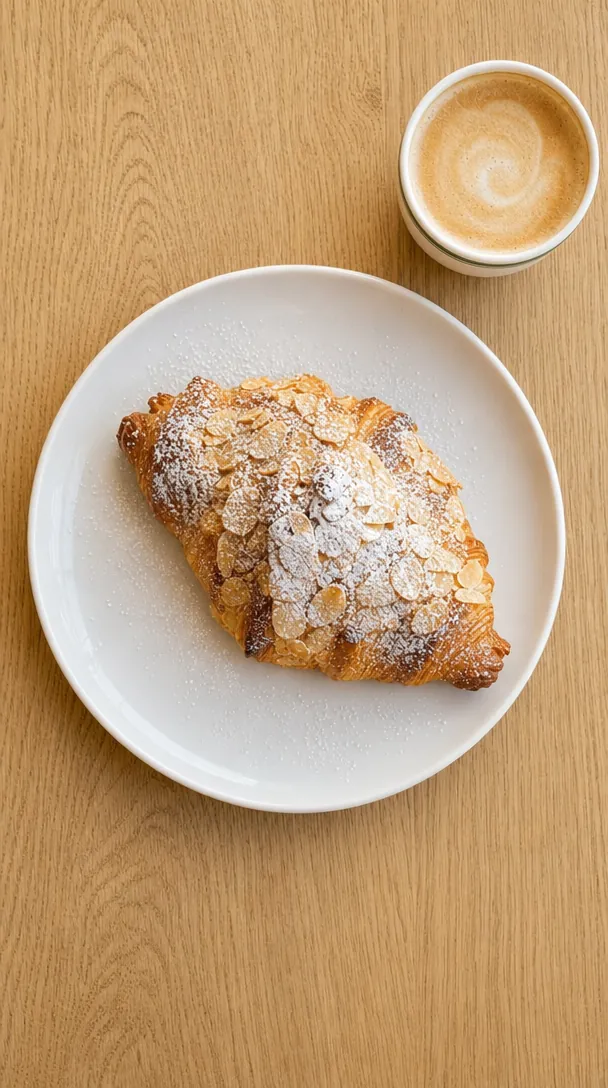
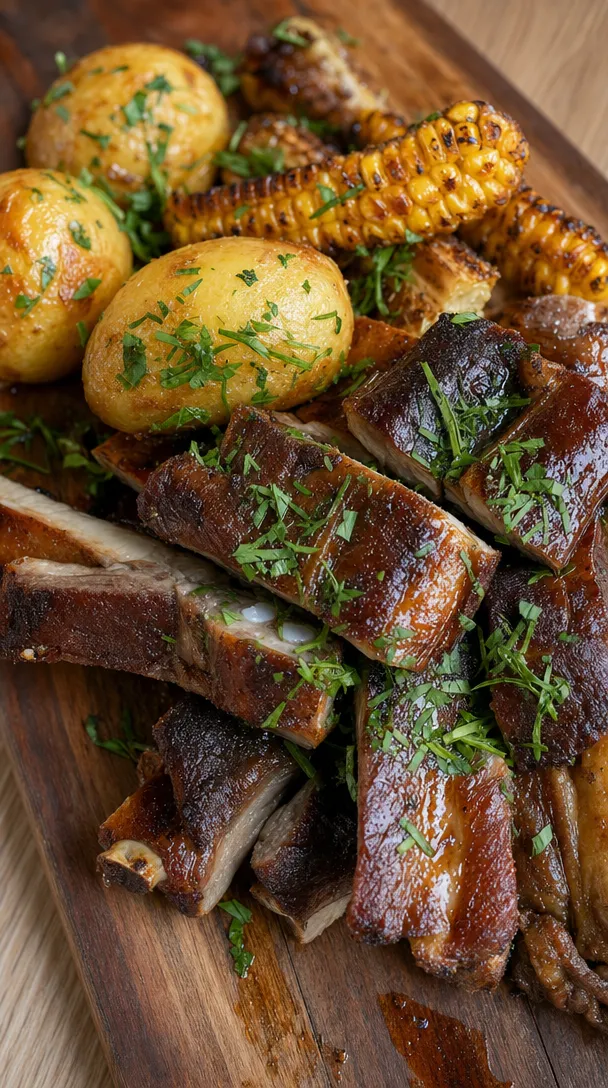
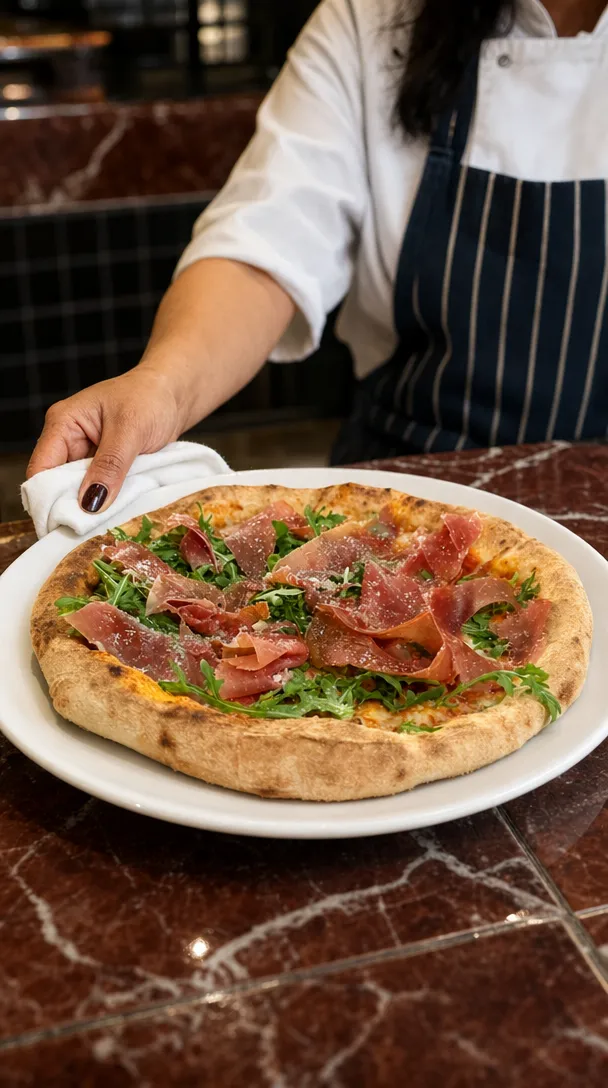
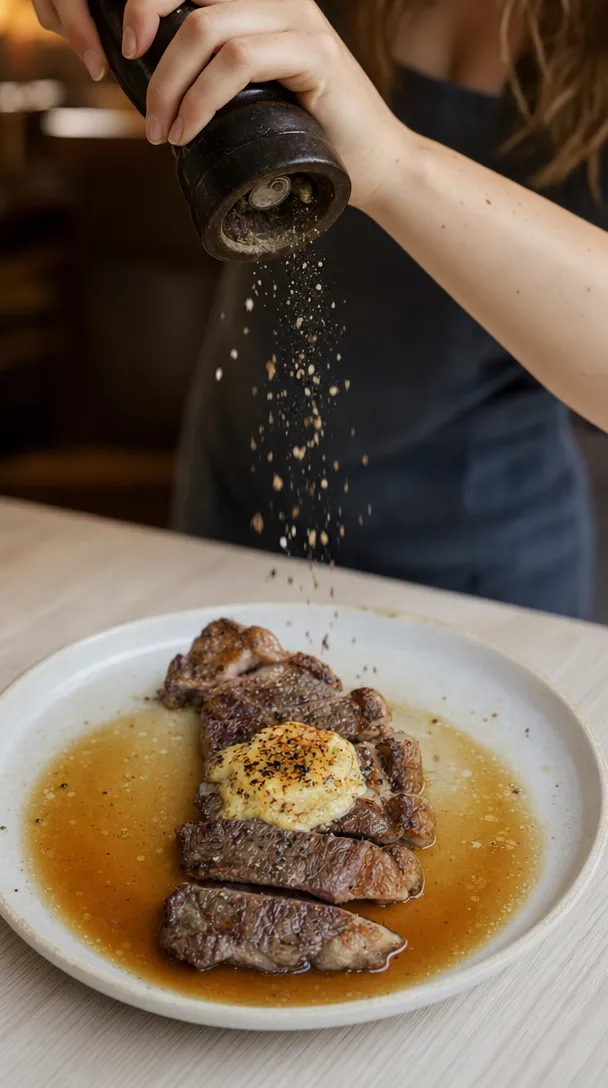
HospoPro Studio begins with a real venue phone photo and turns it into polished, brand-aligned content, with human quality control before delivery. It can strengthen a real asset library, but it should not be used to advertise a product or room the guest will not receive.
7. Location is practical, not poetic
Include:
- Full street address
- Suburb and postcode
- Clickable map
- Public transport
- Parking
- Precinct or building instructions
- Accessible entrance
- Landmark
- Ride-share drop-off where useful
“Hidden in the heart of the city” does not help someone find the door.
Check
- [ ] Map pin is correct
- [ ] Address text matches Google
- [ ] Building level or tenancy is included
- [ ] Parking advice is current
- [ ] Phone number is clickable
8. Dietary information is honest
Avoid two extremes.
Too little:
Dietary requirements catered for.
Too much certainty:
Completely allergen-free.
Explain:
- Vegetarian options
- Vegan options
- Gluten-free options
- What can be modified
- What needs advance notice
- Cross-contact limitations
- Best way to notify the team
Use language approved by the venue’s operational and food-safety team.
A marketing page should not make a medical promise the kitchen cannot guarantee.
9. Private dining has its own page
“Functions available” is not a private-dining strategy.
A useful page includes:
- Room names
- Seated capacity
- Standing capacity
- Photos
- Menus
- Starting price or minimum spend
- AV
- Accessibility
- Exclusive-use options
- Available days and times
- Enquiry form
- Downloadable pack where useful
- Expected response time
The enquiry form should ask only what helps the team respond:
- Name
- Phone
- Date
- Approximate guest number
- Occasion
- Budget or package interest
- Notes
Do not ask 28 questions before the first conversation.
10. The website sells occasions, not only categories
Diners think in moments:
- Date night
- Birthday
- Work lunch
- Christmas party
- Family dinner
- Drinks after work
- Pre-theatre
- Late dinner
- Long lunch
- Group celebration
Create a strong page for the occasions the venue genuinely serves.
A campaign for Tuesday dinner should not send traffic to a homepage talking equally about weddings, takeaway, cocktails, lunch and gift cards.
HospoPro uses focused landing pages to connect an ad or campaign to one clear action. See landing pages for cafés.
Check
- [ ] Priority occasion has a page
- [ ] Page explains the offer
- [ ] Dates and times are clear
- [ ] Relevant proof is included
- [ ] CTA matches the occasion
- [ ] Expired pages are updated or redirected
11. Social proof is specific and legitimate
Useful proof includes:
- Genuine public review
- Named publication quote
- Award with source and year
- Real guest content with permission
- Case-specific testimonial for events
- Repeat-guest story
- Press link
- Current rating linked to the source
Avoid:
- Anonymous “Best night ever!”
- Invented quotes
- Outdated logos
- Awards with no year
- Cropped review screenshots that hide context
- A “five-star” claim that does not say where
For Australian businesses, fake or misleading reviews can breach consumer law.
12. Mobile is the primary experience
Google uses the mobile version of a site for indexing and ranking, so mobile content should contain the same important information and structured data as desktop.
Test on a real phone:
- Header
- Menu
- Booking
- Forms
- Phone links
- Map
- Images
- Pop-ups
- Sticky buttons
- Font size
- Accordions
- Payment or deposit
- Confirmation
Do not approve the website only from a 27-inch monitor.
The thumb test
With one hand:
- Can you open the menu?
- Can you book?
- Can you call?
- Can you get directions?
- Can you close every pop-up?
- Can you return to the previous step without losing the form?
13. The page loads and stays still
Google’s Core Web Vitals assess loading performance, responsiveness and visual stability. Its current guidance recommends aiming for:
- Largest Contentful Paint within 2.5 seconds
- Interaction to Next Paint below 200 milliseconds
- Cumulative Layout Shift below 0.1
Do not optimise a restaurant website by removing every image.
Optimise the delivery:
- Correct image dimensions
- Modern formats
- Compression
- Lazy loading below the fold
- Limited third-party scripts
- Font loading
- Stable image containers
- Efficient booking embeds
- Caching
- Fast hosting
Common causes of a slow restaurant site
- Full-resolution photography uploaded directly
- Five font families
- Auto-playing hero video
- Booking widget loaded on every page
- Multiple tracking tools
- Old plugins
- Map embed before the user needs it
- Social feed plugin
- Animation on every scroll
- Huge PDF menus
14. Pop-ups do not block the diner
A full-screen email pop-up before someone sees the menu is not hospitality.
Google warns that intrusive interstitials can frustrate users and make content harder for search engines to understand.
Use:
- Small banner
- Delayed prompt after meaningful engagement
- Exit prompt on desktop where appropriate
- Inline email form
- Sticky but unobtrusive button
Avoid:
- Full-screen mobile takeover immediately
- Two pop-ups on top of each other
- Impossible close icon
- Mandatory email before viewing menu
- Repeated prompt on every page
- Age gate implemented in a way that hides all crawlable content when not legally required
15. Search engines can understand the business
Technical basics:
- Unique page titles
- Useful meta descriptions
- One clear H1
- Logical headings
- Canonical URLs
- XML sitemap
- Internal links
- Crawlable navigation
- Image alt text
- Clean redirects
- Correct status codes
- HTTPS
- Valid structured data
Google supports LocalBusiness structured data, including restaurant-specific business details, but the markup must accurately represent the visible page.
Use the appropriate subtype and include only facts you can maintain.
Schema is a label.
It is not a substitute for the content.
16. Every important action is measured
Track:
- Booking-button clicks
- Completed bookings where technically possible
- Phone taps
- Direction clicks
- Menu views
- Private-dining enquiries
- Email sign-ups
- Gift-card purchases
- Campaign form submissions
- Source and medium
- Landing page
- Device
Do not celebrate website traffic in isolation.
A campaign can double visits while bookings stay flat.
The minimum dashboard
| Measure | Question |
|---|---|
| Users by source | Where did people arrive from? |
| Landing pages | Which first page attracted them? |
| Booking actions | Did they move toward a reservation? |
| Enquiries | Did high-value pages create leads? |
| Conversion rate | Did the page turn visits into action? |
| Mobile performance | Does the main device experience work? |
| Search queries | What decisions are people searching? |
17. The venue owns the website and accounts
The venue should control:
- Domain registration
- DNS
- Hosting
- Analytics
- Search Console
- Google Business Profile
- Tag Manager
- Booking account
- Website source or CMS
- Forms and customer data
- Image library
- Email platform
- Advertising accounts
Suppliers can receive appropriate access.
They should not be the only owner.
Check
- [ ] Domain renewal email belongs to the business
- [ ] Two-factor authentication is active
- [ ] Backup owner exists
- [ ] Former staff are removed
- [ ] Recovery details are current
- [ ] Monthly backups exist
- [ ] Privacy and legal pages are current
- [ ] Form submissions reach an actively monitored inbox
Score the site
Give each of the 17 items:
- 2 points: strong
- 1 point: present but weak
- 0 points: absent, broken or inaccurate
Maximum: 34.
Score bands
- 29–34: booking-ready
- 23–28: good foundation with visible leaks
- 16–22: traffic is likely being wasted
- 0–15: fix the website before scaling advertising
This score is a practical HospoPro audit framework, not a Google ranking score.
The highest-impact fixes first
When the score is low, fix in this order:
- Booking button
- Hours
- Menu and prices
- Mobile usability
- Address and directions
- Speed and broken pages
- Private-dining page
- Occasion landing page
- Tracking
- Structured data and deeper SEO
Do not spend three days rewriting the About page while the booking link is broken.
Homepage wireframe
A useful restaurant homepage can be simple.
Section 1: Decision
- What
- Where
- When
- Book
Section 2: Craving
- Signature food and drink
- Short menu link
Section 3: Occasion
- Current reason to visit
- Dedicated CTA
Section 4: Room
- Atmosphere and service
- Real images
Section 5: Proof
- Genuine review or press
- Useful context
Section 6: Practical
- Hours
- Address
- Parking
- Contact
Section 7: Final action
- Book
- Enquire
- View menu
Everything else must earn its place.
Red flags to fix today
- Booking button opens another venue
- Google says open while website says closed
- Menu has no prices
- Christmas 2024 banner is still live
- Private-dining form sends nowhere
- Phone number is an image
- Homepage text is inside a hero graphic
- Cookie box covers the booking button
- Social feed plugin is broken
- Footer says “Copyright 2022”
- PDF menu is 40MB
- Address is inconsistent
- Website has no analytics
- Agency owns the domain
- All content disappears when JavaScript fails
The point
A restaurant website does not need to be huge.
It needs to reduce uncertainty.
The diner arrives with six questions:
Is this my kind of place? Is it open? Can I afford it? Will my group be comfortable? Can I trust it? Can I book?
Answer those clearly.
Then make the button work.
FAQ
What pages should a restaurant website have?
At minimum: homepage, HTML menu, booking, contact and location, about, privacy and relevant legal information. Add dedicated pages for private dining, functions, key occasions, gift cards and other real offers.
Should a restaurant menu be a PDF?
A PDF can be offered for download, but important menu information should also exist as readable HTML. This is easier to use on mobile, update, link and understand.
How fast should a restaurant website load?
Google recommends good Core Web Vitals, including an LCP within 2.5 seconds, INP below 200 milliseconds and CLS below 0.1. Test real mobile performance rather than relying only on how the site feels on office Wi-Fi.
Does a restaurant website need SEO?
Yes, but SEO begins with accurate, crawlable and useful information. A fast website with no clear menu, location or occasion pages is technically tidy but commercially weak.
Should a restaurant use online booking?
That depends on operations, but the website should provide a clear reservation path. When online booking is unavailable, explain how to book and when the team will respond.
What should be above the fold?
The venue identity, location cue, compelling real image and primary action. Hours or menu access should be one tap away.
- HospoPro Studio: one snap, a whole shoot
- HospoPro services
- Online reviews for products and services: Australian Competition and Consumer Commission
- Mobile-first indexing best practices: Google Search Central
- Understanding Core Web Vitals and Google search results: Google Search Central
- Avoid intrusive interstitials and dialogs: Google Search Central
- Local business structured data: Google Search Central
- General structured data guidelines: Google Search Central

We run the photos, posts, ads, email and reporting for hospitality venues across South East Queensland. Everything in this guide comes from doing the work on live venues, not a textbook.