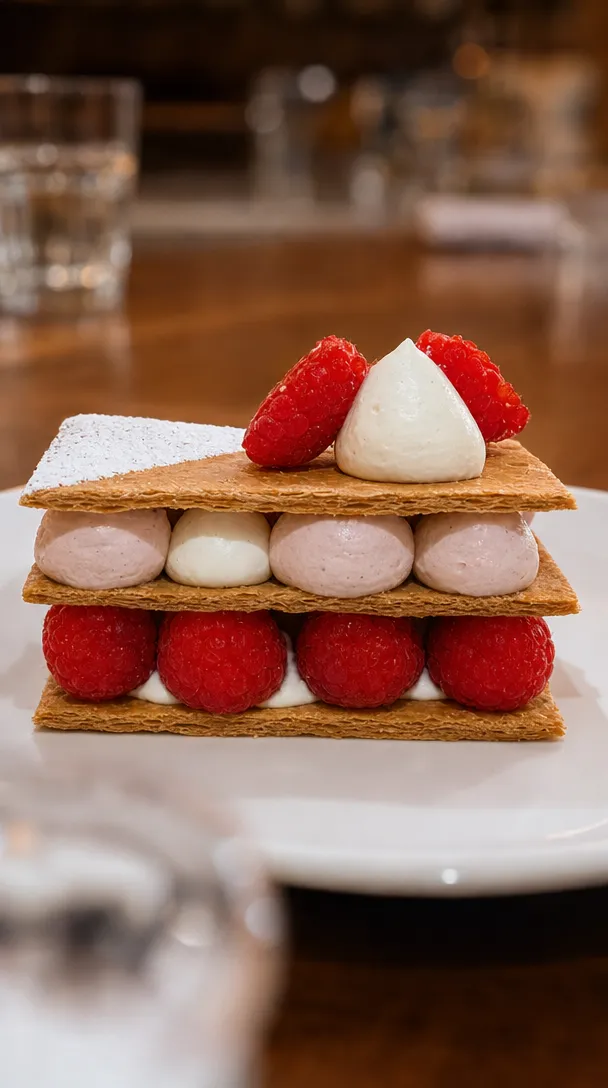
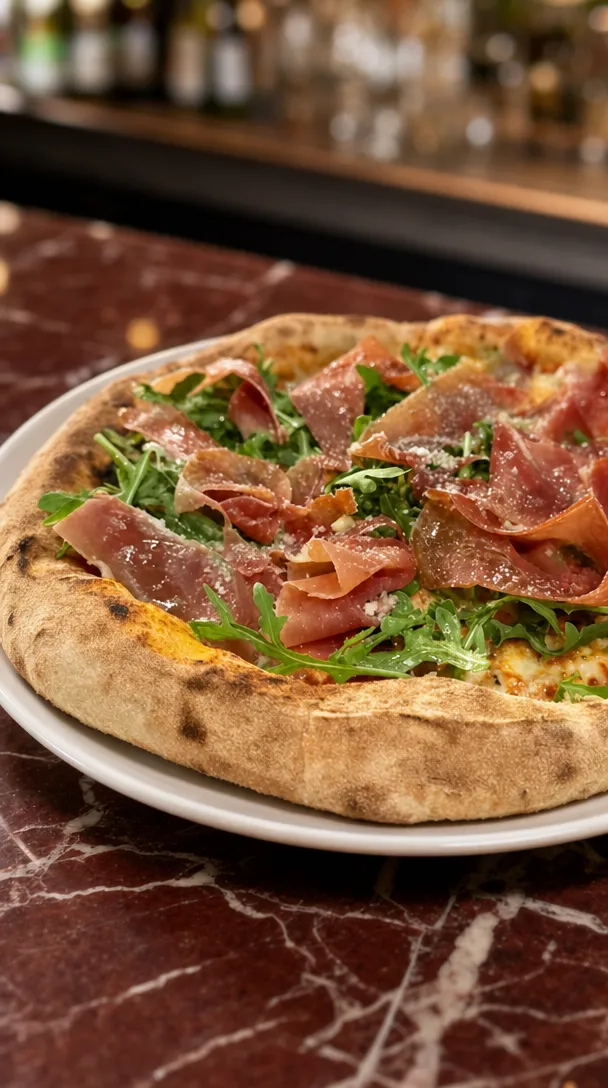
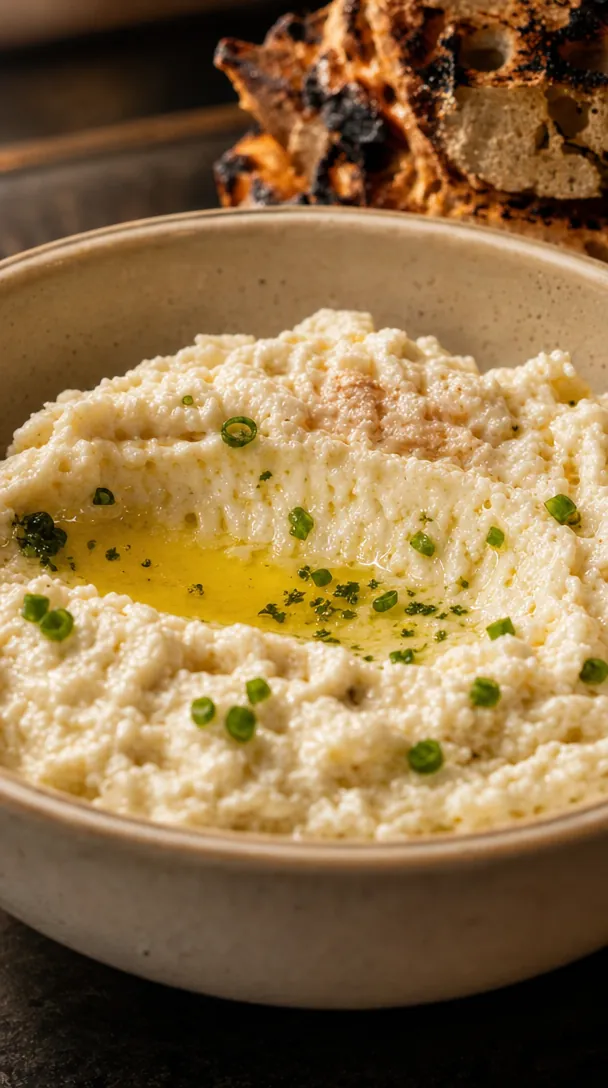
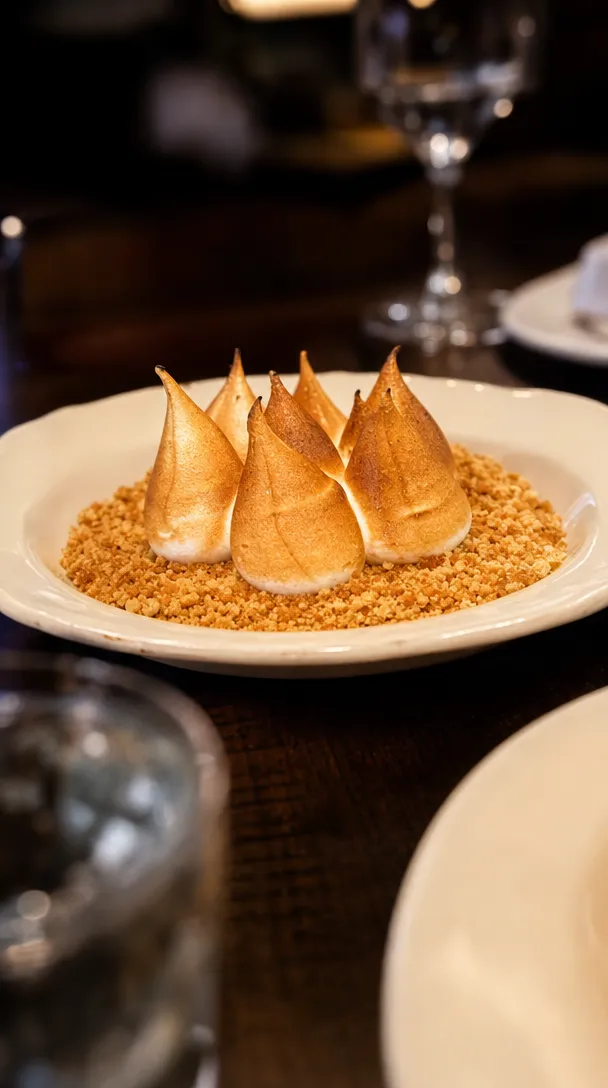
Use launch week to publish the whole decision package: the experience, menu, price or minimum spend, group sizes, room options, dietary support, booking process and key terms. Repeat the offer from different angles for seven days, then keep the strongest information easy to find.
The person organising the event has six questions, three colleagues waiting for answers and another venue open in the next tab.
Christmas content should make the organiser’s job easier.
The 2026 Christmas calendar
Christmas Day falls on a Friday this year. That shapes the whole month.
- Friday party nights are 4, 11 and 18 December. Most work parties will ask for these first.
- Christmas Eve is a Thursday, so the last working week is short and many teams finish early.
- Boxing Day is a Saturday, so most states add a public holiday on Monday 28 December. Check your state’s list before you set trading hours and surcharges.
- New Year’s Eve is a Thursday. The New Year’s Eve guide covers that night.
If your Christmas page is not live yet, launch this week. Organisers are shortlisting now, and there are only three Friday nights before Christmas. Give Monday to Thursday nights and weekday lunches their own reason to book, as the Christmas party bookings guide explains.
What the organiser actually needs
The customer is rarely choosing only for themselves.
They may be booking for:
- A small office team
- A department lunch
- A client dinner
- A social club
- A family group
- A full-company celebration
Before they enquire, they are trying to work out:
- Can the venue fit the group?
- Does the atmosphere suit them?
- What will it cost?
- What is included?
- Can dietary needs be handled?
- Is the preferred date likely to be available?
- What deposit, cancellation or minimum-spend terms apply?
- How difficult will this be to organise?
A campaign that answers those questions will usually be more useful than one that says only, “Celebrate with us.”
Build the page before launch week
Every post should lead to one current Christmas page.
That page should contain:
- Christmas dining options
- Available dates and service periods
- Group-size ranges
- Private, semi-private and shared-space options
- Menus and beverage packages
- Prices or minimum spends where approved for publication
- Dietary information
- Deposit and cancellation terms
- Venue address and access information
- Enquiry or booking form
- A phone number or email for genuine questions
Do not send people to a general functions page that makes them search for the Christmas details.
Test the form and confirmation process on mobile before publishing anything.
The seven-day Christmas launch plan
This is a HospoPro starting framework. Adjust the sequence to suit the venue, available assets and actual booking calendar.
Day one: The announcement
Job: Establish that bookings are open.
Post angle: The complete experience in one clear overview.
Include:
- Who it is for
- The dates or booking period
- The core format
- Starting price, package or minimum spend if available
- The direct enquiry link
Example:
Christmas lunches and dinners are now open. Choose a shared feast in the dining room or a private celebration for up to 24 guests. Menus begin at [approved price]. View packages and enquire for your preferred date.
Use the strongest room or table image, not a graphic filled with tiny text.
Day two: The menu
Job: Make the celebration feel real.
Show:
- Hero dishes
- Shared-table moments
- Beverage inclusions
- Vegetarian or other approved menu options
- How the food will be served
A menu post should still contain the booking period and action. Do not assume people saw day one.
Example headline:
The Christmas menu, built for the middle of the table.
Day three: The room options
Job: Help organisers identify where their group fits.
Create a carousel or short video showing:
- Main dining room
- Private room
- Semi-private space
- Bar area
- Outdoor area, when weather and venue conditions allow
- Seated and standing formats
Label the capacity accurately.
“Perfect for groups” is vague.
“Private dining for 12 to 24 guests” helps someone make a shortlist.
Day four: The organiser FAQ
Job: Remove the admin friction.
Turn the most common questions into a clean post:
- Is a deposit required?
- Can guests pay separately?
- Are dietary requirements supported?
- Is there a minimum spend?
- Can we bring decorations?
- Is there AV access?
- How long is the booking?
- Is the venue accessible?
- What happens if numbers change?
Only publish answers confirmed by the venue team. Christmas terms should not be improvised by the social media manager.
Day five: The proof
Job: Show what hosting a group actually looks like.
Use real material such as:
- Last year’s Christmas event
- A recent private dinner
- A genuine client testimonial
- A room set for a group
- A short service sequence
- A team celebration already hosted at the venue
Do not present staged or illustrative material as a previous event.
When there is no historical Christmas content, show the room set correctly and label it as this year’s format.
Day six: The date prompt
Job: Make availability part of the decision.
Use honest information from the booking team.
Examples:
- Friday lunches are filling first
- Two private-room dates remain in the first week of December
- Midweek dates currently have more flexibility
- Enquiries for groups above 20 should be made directly
Never invent scarcity. False urgency damages trust and creates unnecessary pressure on the reservations team.
Day seven: The email and reminder
Job: Reach the people who do not see every social post.
Send one focused Christmas email containing:
- A direct headline
- One strong image
- The key group options
- A link to menus and terms
- One enquiry button
Suggested subject lines:
- Christmas bookings are open
- Your team Christmas table
- December dates, menus and private dining
- Plan the Christmas lunch before the group chat does
Commercial email in Australia generally requires consent, clear sender identification and a working unsubscribe facility. The Australian Communications and Media Authority says unsubscribe requests must be honoured within five working days.
What to pin and save
Launch week ends. The decision period does not.
Keep the essential information easy to find:
- Pin the main Christmas post
- Create a Christmas Story Highlight
- Add the offer to the website navigation or homepage
- Publish a Google Business Profile update or event where appropriate
- Give the reservations team the same link used in the campaign
- Add the link to relevant email signatures
- Place the approved package PDF behind the same page
Google Business Profile posts can be used to share updates, offers and events directly on Search and Maps.
Do not rely on Instagram alone to carry a campaign that may run for several months.
The content asset list
A complete launch does not require a full festive production.
A practical asset list is:
- One hero table or room image
- Three menu images
- One room walkthrough video
- One capacity graphic
- One FAQ graphic
- One genuine testimonial or proof asset
- One direct-to-camera explanation from the venue manager
- One clear offer page
From that, you can produce the launch week, email, website, ads and follow-up content.
The paid campaign structure
The organic launch tells existing followers.
Paid advertising can extend the campaign to relevant local organisers and people already showing interest.
A simple structure may include:
Campaign one: Find new organisers
Use the clearest room, package and group-size message to reach suitable people in the venue’s genuine catchment.
Campaign two: Retarget interest
Show a more specific follow-up to people who visited the Christmas page, engaged with launch content or watched the room video, where the audience and tracking setup permit it.
Campaign three: Search demand
When the venue has the budget and landing page, Google Search can help capture people actively looking for Christmas functions, group dining or private rooms in the area.
Every ad should land on the same approved Christmas page.
Write for the organiser, not the algorithm
Weak Christmas copy often sounds like this:
Make this festive season one to remember with unforgettable food, drinks and good times.
It is pleasant, but it could describe any venue.
Useful copy sounds like this:
Shared Christmas feasts for 8 to 30 guests, available Tuesday to Saturday throughout December. Private room packages and beverage options are available. View the menus and enquire for your date.
The second version gives the organiser something to work with.
Measure the campaign properly
Track more than likes.
Useful measures include:
- Christmas-page visits
- Menu or package downloads
- Enquiry starts
- Enquiry completions
- Phone and email enquiries
- Qualified group size
- Dates requested
- Deposits paid
- Confirmed event value
- Source of the enquiry
Add campaign tags to links where possible. Ask the reservations team to record how direct phone and email enquiries heard about the offer.
Do not attribute every December group to the campaign. Keep source reporting honest.
Common Christmas-launch mistakes
Waiting for perfect festive photos
Use current, accurate venue and food content. The customer needs clarity more than fake snowflakes.
Hiding the price completely
When the final amount depends on date, room and group size, show a starting point, minimum spend or clear explanation of how pricing works if the venue approves it.
Changing the details across channels
The Instagram caption, PDF, website and reservations script should not contain different capacities or deposit terms.
Posting once
Most followers will not see one announcement. Repetition is part of the plan. Change the angle while keeping the offer consistent.
Using “limited availability” from day one
Scarcity should reflect the actual calendar, not a template.
Forgetting January
Some teams celebrate after the December rush. When the venue trades through January, consider a separate late-celebration offer rather than quietly extending expired Christmas messaging.
The Christmas launch checklist
Before day one, confirm:
- Menus and prices are approved
- Dates and service periods are correct
- Room capacities are accurate
- Dietary wording is approved by the kitchen
- Deposit and cancellation terms are published
- The enquiry form works
- The reservations team knows the offer
- Tracking links are ready
- Images match the experience
- Every platform points to the same information
When the enquiries start arriving, the next job is turning them into paid dates. Here is how to reply, quote and take deposits on Christmas party bookings. For the last night of the year, the New Year’s Eve guide covers sittings, tickets and the November launch.
Open Christmas bookings with a complete campaign
HospoPro can turn one approved Christmas package into the landing page, content, email and advertising needed to take it to market.
FAQ
When should Christmas bookings open?
There is no universal date. Consider when your corporate and group customers begin planning, when menus and terms can be approved, and how early the venue needs deposits and forecasts. It is better to launch a complete package than an early announcement with no useful details.
Should we put the full package in the caption?
Put the decision-making essentials in the caption, then link to the complete page or approved package. Do not hide all practical information behind an enquiry form.
Should every Christmas post look festive?
No. Keep the venue’s brand. A beautiful group table, room and menu usually sell the experience better than generic festive decorations.
Can we reuse last year’s campaign?
Reuse the structure and proven assets, but verify every date, price, menu, capacity, term and link before publishing.

We run the photos, posts, ads, email and reporting for hospitality venues across South East Queensland. Everything in this guide comes from doing the work on live venues, not a textbook.